


Generate LUTs and Lightroom presets
for professional editors using AI.
Describe the look you want in plain English and export your result in multiple formats across Resolve, Premiere, Final Cut, and Lightroom.
See the engine in action
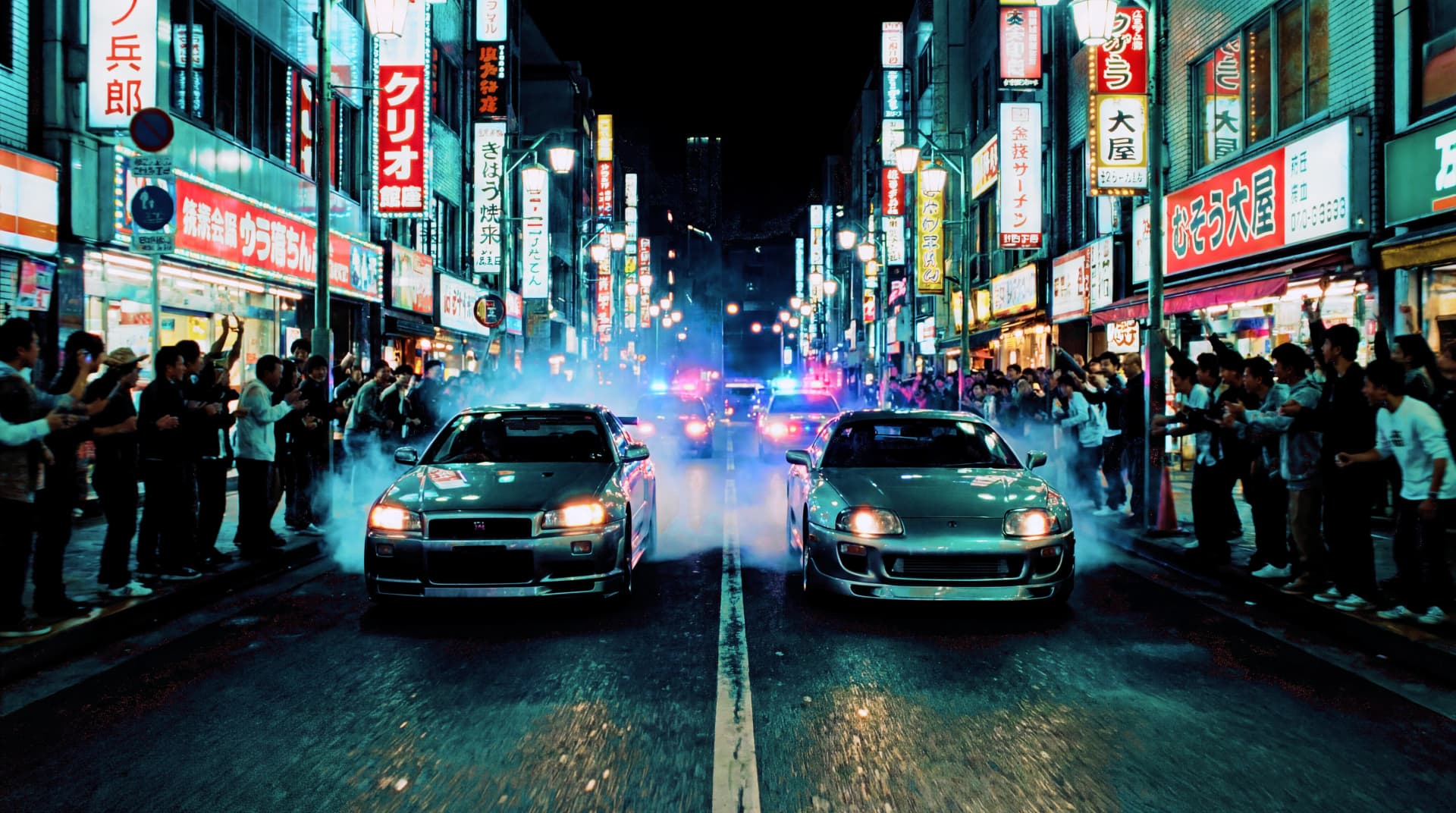
Watch how different prompts translate into 49 unique seed values. Each parameter shapes the final look.

Build better results with better prompts
If you are a professional video editor or colorist, start with these quick guides before exporting any LUT.
From prompt to LUT: how the workflow works
Understand how your text prompt becomes a generated LUT file, from prompt parsing through output validation and export presets.
Writing effective prompts for better color grades
A practical prompt-writing playbook for AI color grading outputs with better LUT consistency and less iteration.
Prompt formulas for scenes, portraits, and products
Use scene-specific language to generate better LUTs for interviews, product shots, landscapes, and cinematic scenes.
Compare LUT and preset formats: .cube, .3dl, .look, .csp, .xmp, .lrtemplate
Understand which output file format to choose for Resolve, Premiere, Final Cut, and Lightroom.

From creative brief to color profiles in seconds
Upload a Reference Frame
Drop in a still from your timeline or select from our sample library to preview your grade.
Describe Your Vision
Use natural language: "Teal and orange blockbuster look" or "Desaturated documentary feel with lifted blacks."
Refine and Export
Fine-tune with manual controls if needed, then export 3D LUTs in .cube, .3dl, .look, .csp, and Lightroom presets in 17³, 33³, or 65³.
Start grading in minutes, not hours
Whether you're a filmmaker, photographer, or content creator—lutgen.app helps you achieve professional color grades without the steep learning curve.
Create Your First LUTFree tier available. No credit card required.